Suunto Nautic User Guide
Table of Content
Table of Content
- Wear orientation
Wear orientation
You can flip the device display to have the buttons either on the left or on the right side of the dive computer, making it easier to wear on either arm. Change the button orientation under Device settings > Wear orientation.
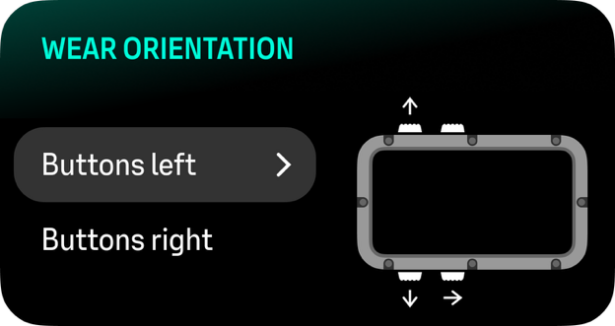
Select Buttons left if you are wearing the dive computer on your right arm and Buttons right if you are wearing it on your left arm.
The default wear orientation is Buttons left.