Suunto Nautic User Guide
- Dive alarms
Dive alarms
Suunto Nautic has color-coded mandatory warnings. They are shown prominently on the display with an audible and vibration alarm unless the audio or vibration is muted. Warnings are always red and they are critical events that always require immediate action. You can dismiss the audio and vibration but the warning will stay red until the situation has been resolved.
With Suunto Nautic, you can also define your own alarms and set the preferred audio, vibration and appearance.
Mute all audio and vibration
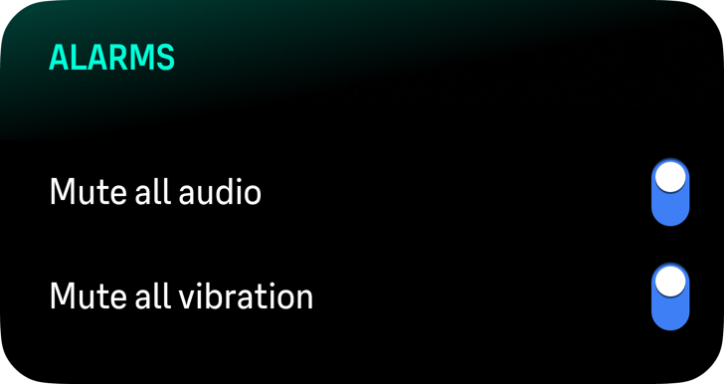
You can mute the audio and vibration alarms if you scroll down in the Alarms menu and select Mute all audio or Mute all vibration. Alarms and notifications will still appear on the screen visually, even if you mute the audio or vibration.