Suunto Nautic User Guide
- Display brightness and power states
Display brightness and power states
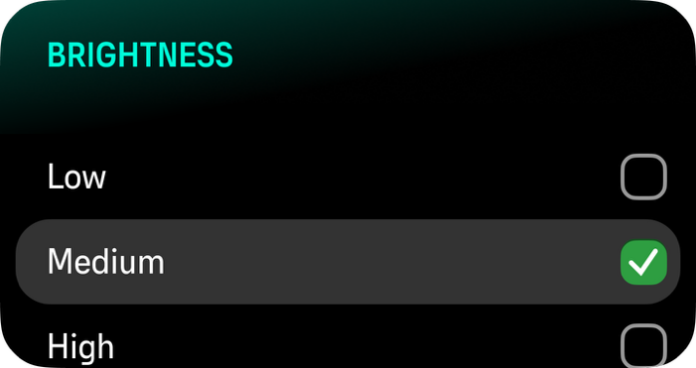
The Brightness setting determines the overall intensity of display brightness: Low, Medium or High.
The display enters Always-On Display (AOD) mode after 5 minutes of inactivity and Sleep mode after 1 hour. Any button press wakes the device from Sleep, and from AOD it can be woken by a button press or by raising your wrist. Water contact will automatically wake it up.
The device enters Deep Sleep (power-off) after 48 hours of inactivity and can only by activated by pressing top button.
The device never enters sleep during a dive.
The brightness can be adjusted from the Control panel > Brightness or while diving, by short pressing the up button.
Prolonged use of the high brightness display reduces battery life and may cause screen burn-in. Avoid using high brightness for extended period to lengthen display lifetime.