Suunto Nautic User Guide
Table of Content
Table of Content
- Button functions
Button functions
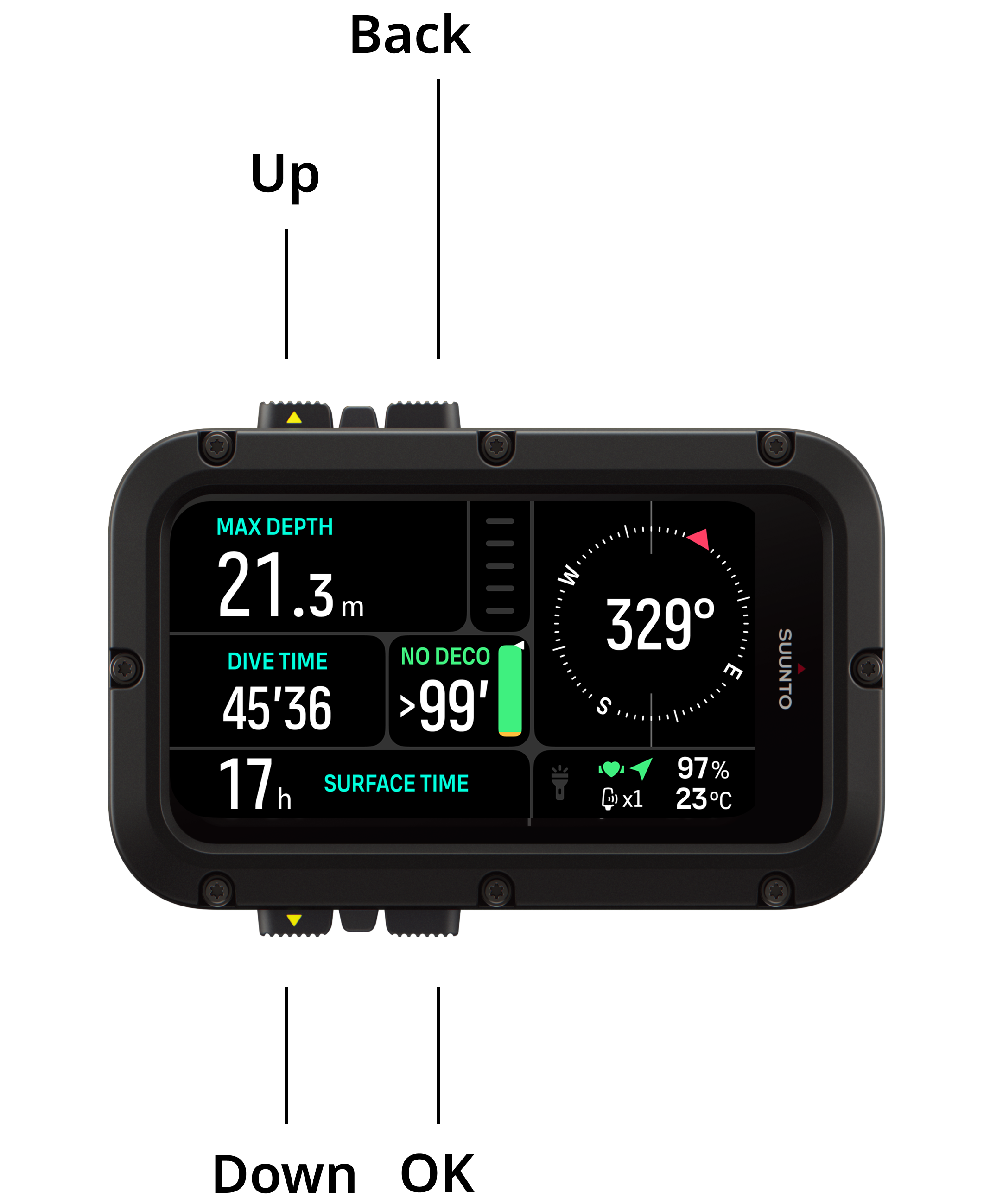
Suunto Nautic has four buttons you can use to navigate through displays and features. Short pressing or long pressing them gets you to different functionalities. At the surface and during the dive:
| At surface | During dive | ||
|---|---|---|---|
| Up button | Short press | Access widgets | Adjust brightness |
| Long press | Turn on / off flashlight | ||
| Down button | Short press | Access Dive settings | Access dive menu |
| Long press | Button lock | ||
| Back button | Short press | Back | / |
| Set bearing (If compass in switch window); Start & Stop Stopwatch (If stopwatch in switch window) | |||
| Long press | Clear bearing (If compass in switch window); Reset stopwatch (If stopwatch in switch window) | ||
| OK button | Short press | Change switch window item | |