Suunto is committed to achieving Level AA conformance for this website in conformance with the Web Content Accessibility Guidelines (WCAG) 2.0 and achieving compliance with other accessibility standards. Please contact Customer Service at USA +1 855 258 0900 (toll free), if you have any issues accessing information on this website.

Suunto Spark User Guide

Getting started

Buttons

Suunto Spark has a touch panel you can use to switch song and answer or end phone calls.
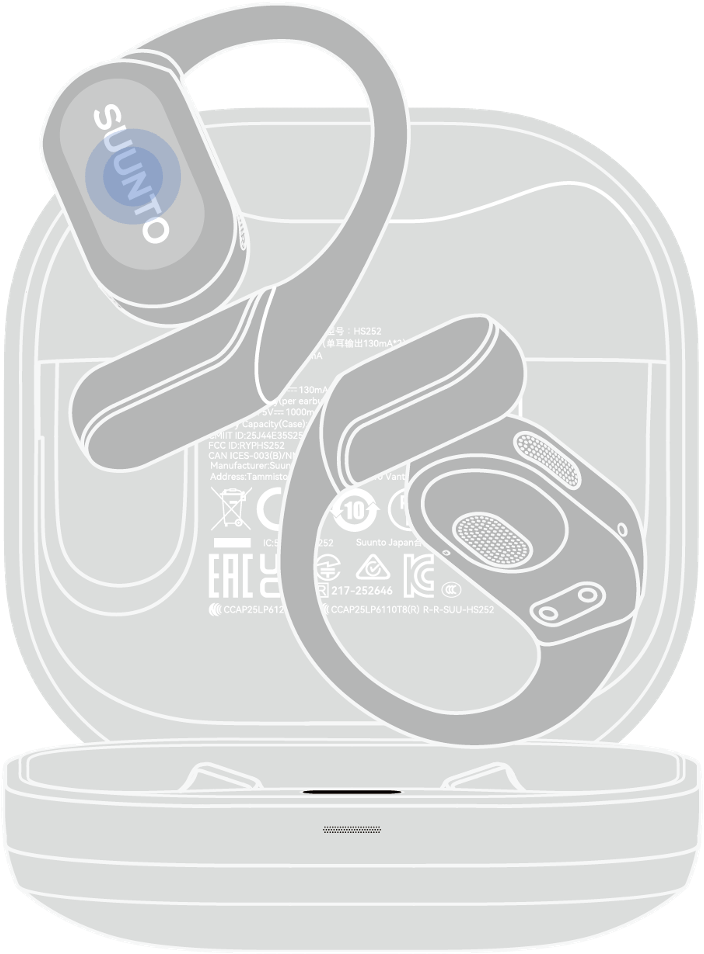
Spark buttons

Making a phone call

  • double-tap either earbud to answer or end a call

  • tap and hold either earbud to reject a call

Music control

  • double-tap either earbud to play or pause
  • triple-tap either earbud for next track

Table of Content