Suunto Nautic User Guide
- Software updates
Software updates
Software updates add important improvements and new features to your device.
When an update is available and your device is connected with Suunto app, the software update will be downloaded to the device automatically. The status of this download can be viewed in Suunto app.
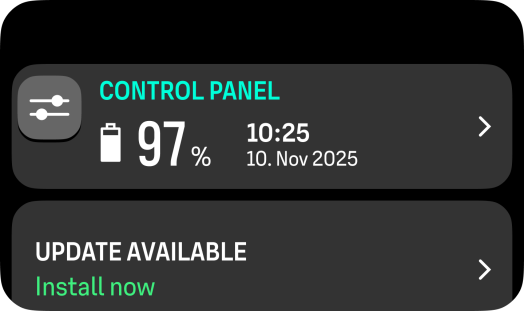
Once the software is downloaded to your device, you can install it by selecting the notification that is displayed in the Control panel or from Control panel > Device settings > Software update.
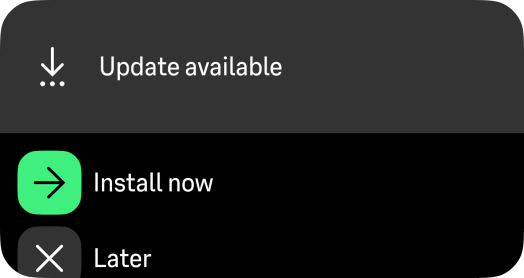
You will also be informed about the software update when you connect the device to a charger or power off the device.
The release notes will be visible in Suunto app.