Suunto Nautic User Guide
- How to plan a no-decompression dive
How to plan a no-decompression dive
Before you start planning your next dive in the Planner menu, set the following:
the active gas planned for the dive
algorithm settings: conservatism and altitude settings
The planner displays the active gas defined for the dive mode. You can modify the gas settings under the Gases menu (see Gases).
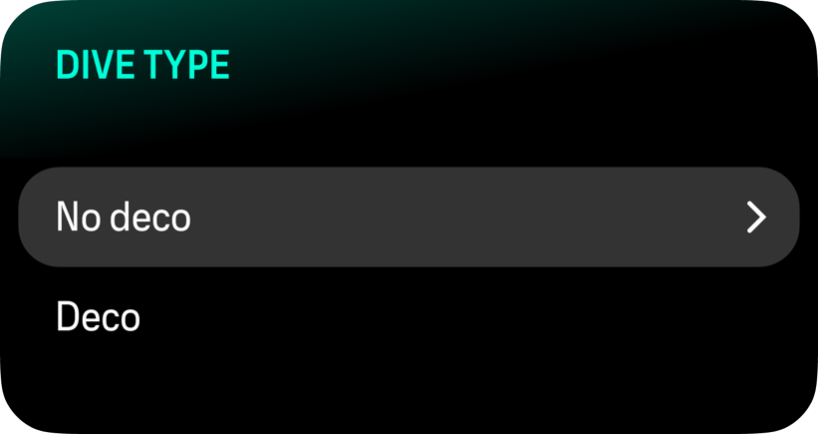
For planning a no-decompression dive, choose No deco.
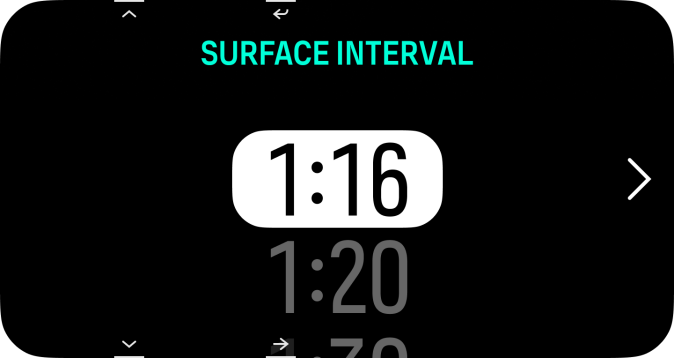
The surface interval is calculated automatically from the end of the previous dive. Use the upper and lower buttons to adjust the value in 10-minute increments to reflect the planned surface interval. The maximum value is 48 hours.
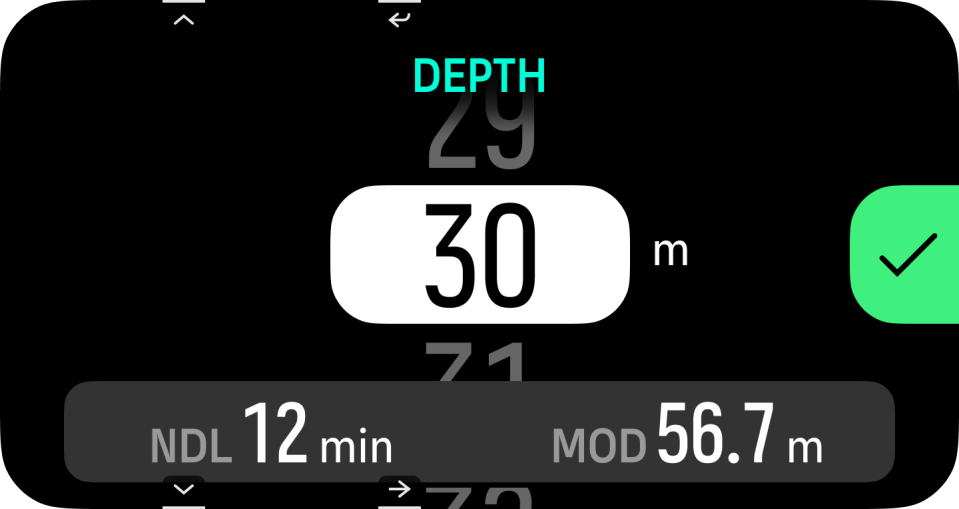
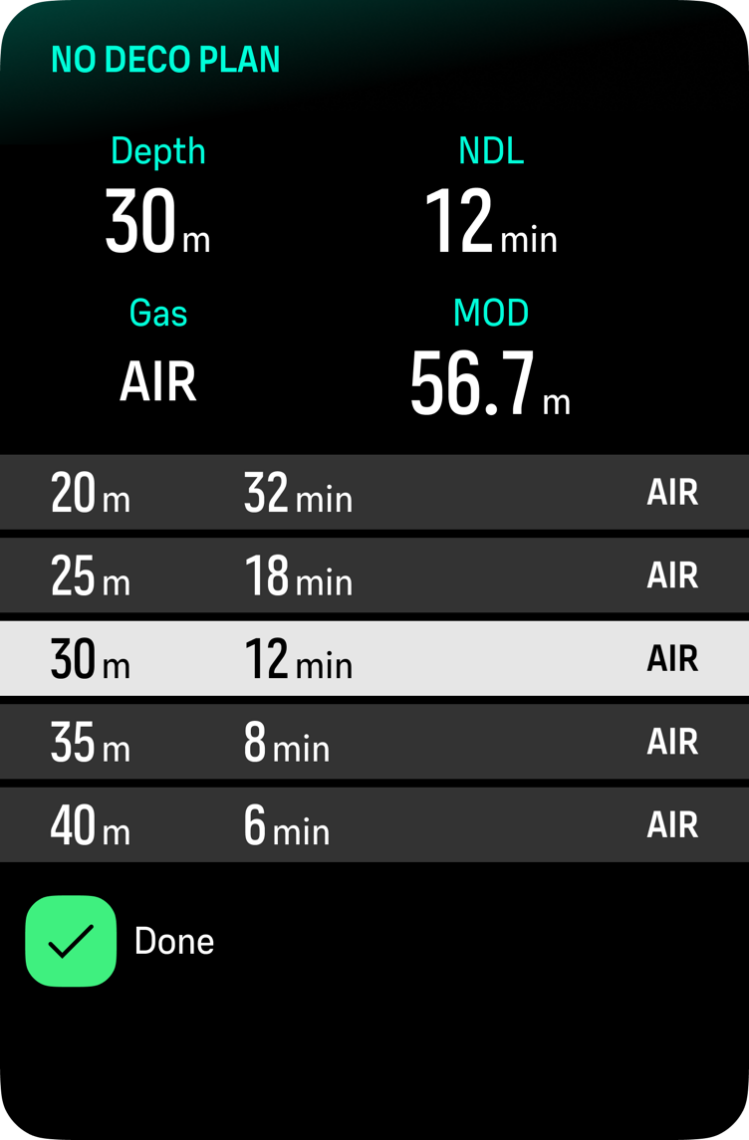
Use the up and down buttons to adjust the planned depth. You can see the NDL time for the specific depth at the bottom of the screen, together with the MOD for your gas.
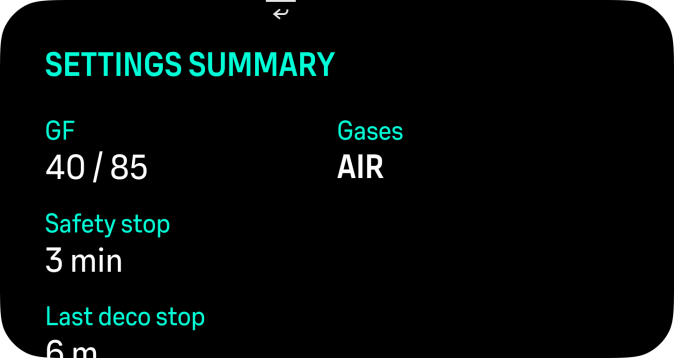
Press the Ok button for your summary or back button to modify your selections. The summary also displays the next 5 m depth steps, both deeper and shallower, along with their corresponding no-decompression limits (NDL) to make dive planning easier.
The NDL planner can only be used for planning dives without the need for decompression stops.