Suunto Nautic User Guide
Switch window for scuba diving
The switch window on the left of the dive screen can contain different types of information that can be changed by short pressing the OK button.
You can customize the information shown in the switch window in Dive settings > Customization> Switch window.
The list shows all views currently assigned to the switch window. Select a view to edit it. The add new view option is available at the bottom (unless the maximum of 10 views is reached).
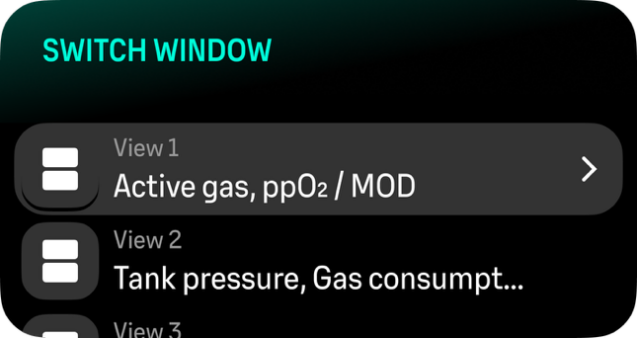
Adding new view
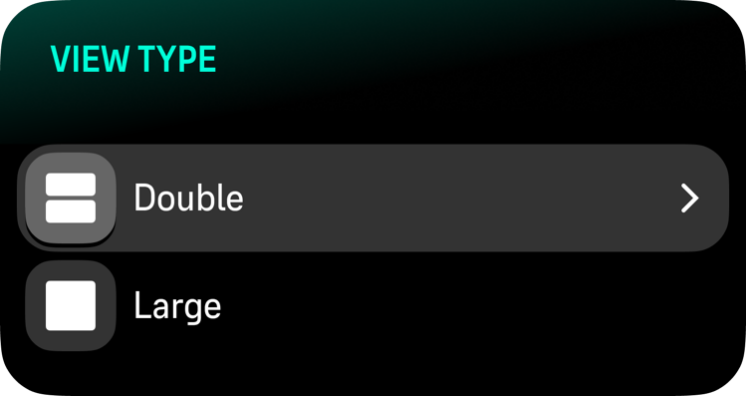
- Select a view type (large or double field). Once selected, view type cannot be changed.
- Select a field to assign a function from the available list. Repeat it for the second field (if using a double field layout).
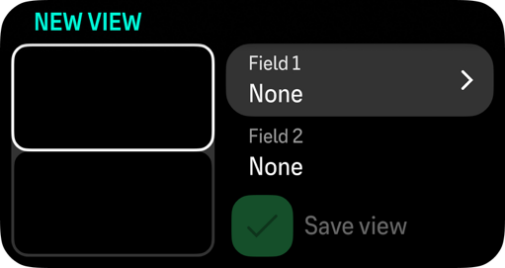
- Press Save view to confirm.
Some fields, for example, Tissues, Compass, and Stopwatch are available as large fields only.
Editing a view
When editing a view:
- The layout type is fixed.
- Fields can be changed at any time.

- Delete view replaces the Save view option.
A view cannot be deleted if it is the only view in the list.
Some values may appear in the switch window when triggered by an alarm or event, even if they are not configured as active fields.
The following items can be configured to the switch window:
| Switch window | Switch window content | Explanation |
|---|---|---|
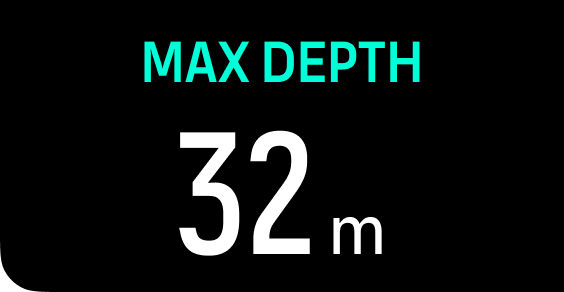 | Max depth | The maximum depth reached during the current dive. |
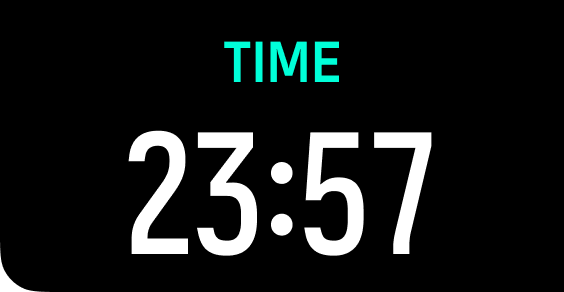 | Clock | The time in a 12- or 24-hour format, based on the time format you set under Time/date settings. |
 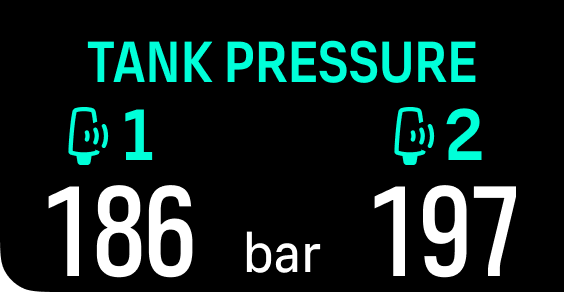 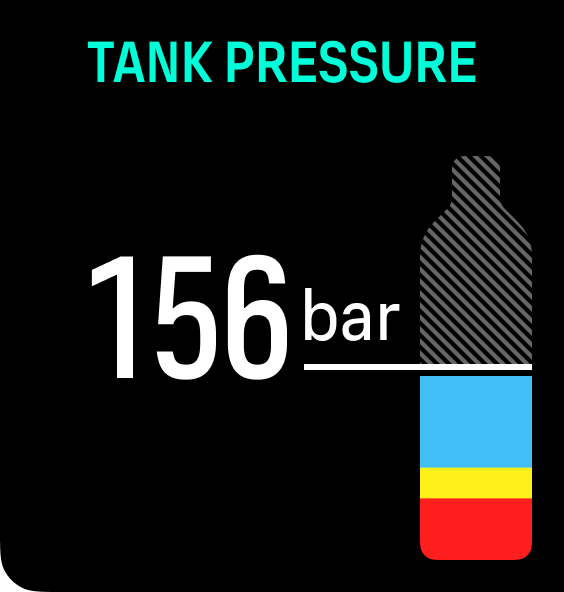 | Tank pressure | The tank pressure in the set unit (bar or PSI) for your active gas if linked to a Tank POD. |
![switch window configure gas comsump]](/contentassets/a278e8e8e37d4663a00b315924461d7b/switch-window-configure-gas-comsump.png) | Gas consumption (L/min or cu ft/min) | Gas consumption refers to your real-time consumption rate of gas during a dive. The actual gas consumption rate is measured in liters per minute (cubic feet per minute) and calculated for the current depth. See Gas consumption for more information. |
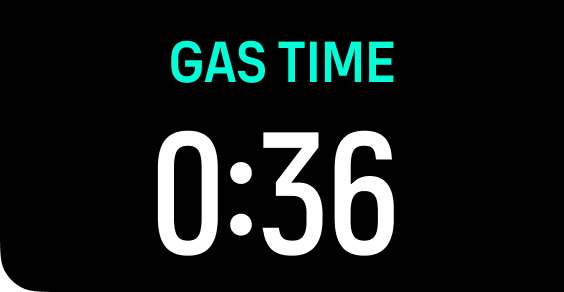 | Gas time | Gas time refers to the time you can stay at the current depth. See Gas time for more information. |
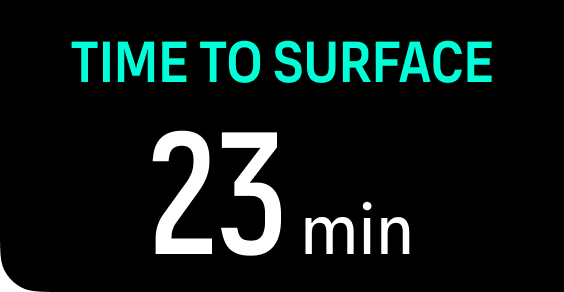 | Time to surface (TTS) | The time to surface refers to the ascent time in minutes to ascend to the surface with given gases including all required decompression stops. |
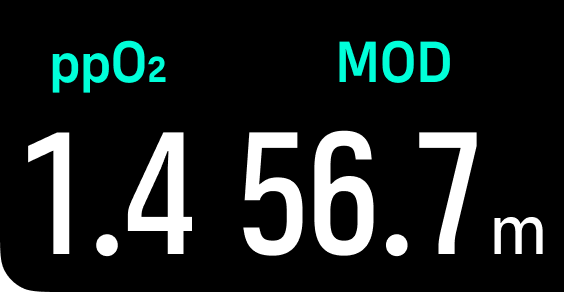 | Actual ppO2 and MOD | The current partial pressure of the active gas. Partial pressure is the fraction of oxygen in the gas at the current depth. The value is always in absolute atmospheres (ATA) of pressure. (1 ATA = 1.013 bar) If the ppO2 exceeds the preset limit for the gas, the switch window turns yellow and triggers an alarm. If the ppO2 exceeds the maximum partial pressure limit of 1.6, the switch window turns red until you ascend shallower than the MOD depth. Maximum Operating Depth (MOD) is the depth at which the partial pressure of oxygen (ppO2) of the gas mix exceeds a safe limit. |
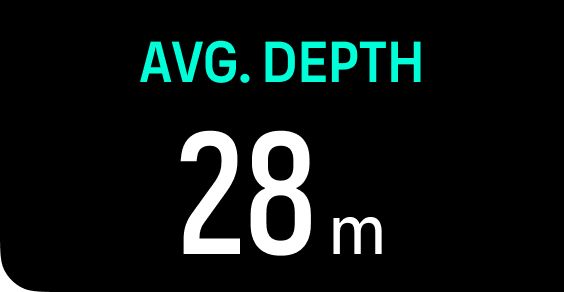 | Average depth | The average depth of the current dive is calculated from the moment the start depth is exceeded until the dive ends. |
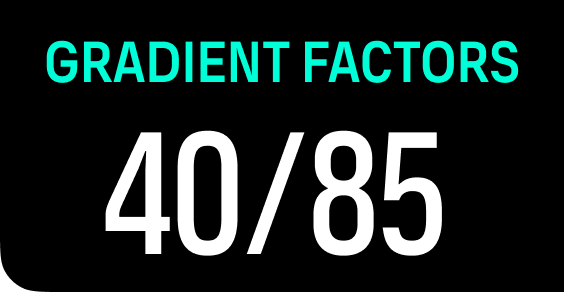 | Gradient factors | The Gradient Factor value you have defined in the Algorithm settings. See Algorithm settings and Gradient Factors for more information about the dive algorithm and Gradient Factors. |
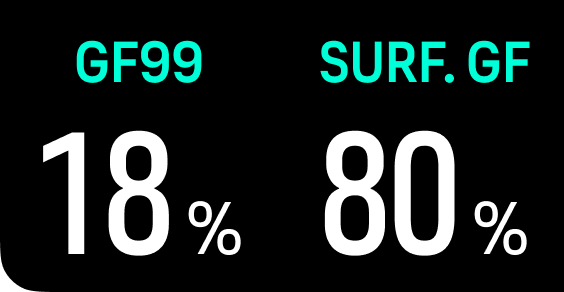 | GF99 / Surface GF | GF99 is the current gradient factor at your present depth, expressed as the percentage of the controlling compartment’s M-value. This represents the relationship between ambient pressure and dissolved nitrogen in the tissues. On Gas is displayed when tissue tension is less than the inspired inert gas pressure. GF99 is shown in yellow when GF High is exceeded. GF99 is shown in red (warning) at 100% and remains red for all values above 100%. Surface GF is the Gradient Factor value you would have if you surfaced immediately. If GF99 exceeds your GF High setting, Surface GF is shown in yellow (caution). If GF99 exceeds 100%, Surface GF is shown in red (warning). |
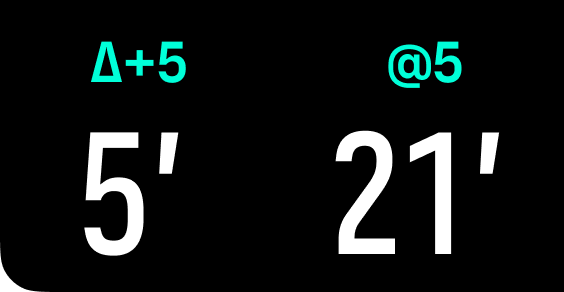 | Contingency Delta 5 / @ 5 | The predicted change in TTS if you were to stay at the current depth for 5 more minutes. The predicted TTS if you remain at the current depth for 5 more minutes. |
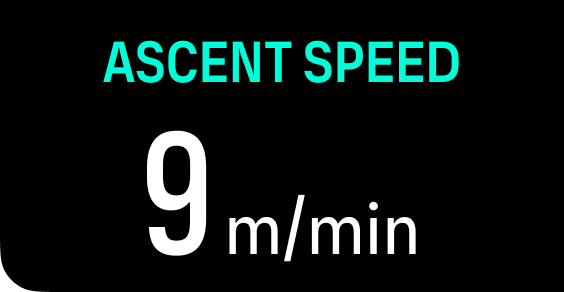 | Ascent speed | Ascent rate in m/min. |
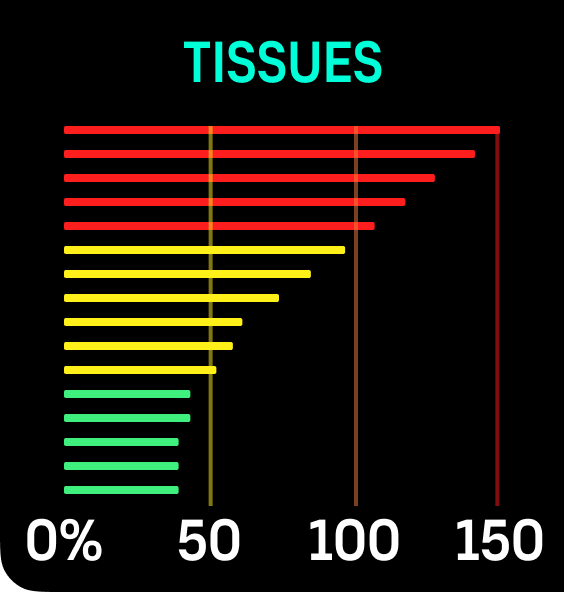 | Tissues graph | Displays inert gas tensions in tissue compartments. The fastest tissues are at the top, the slowest at the bottom. The bars combine nitrogen and helium; the pressure increases to the right.
|
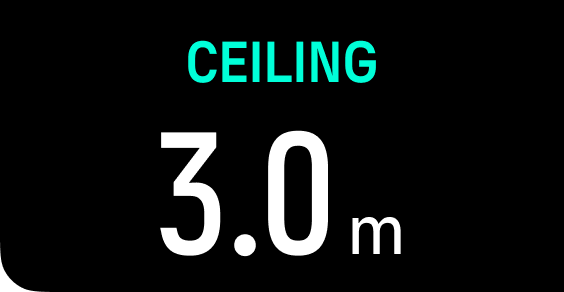 | Ceiling | When mandatory decompression stops are required, a ceiling value appears in the switch window. Suunto Nautic shows the ceiling value always from the deepest stop. You must not ascend above the ceiling during your ascent. Read more about decompression diving in Decompression dives. |
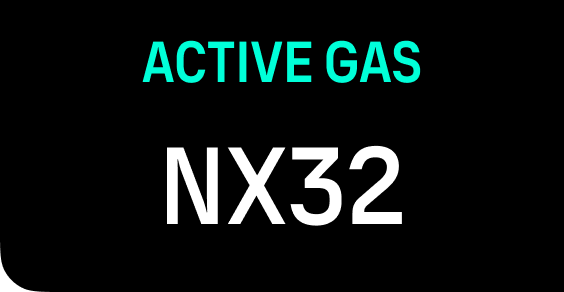 | Active gas | The current active gas. |
![switch window configure otu cns]](/contentassets/a278e8e8e37d4663a00b315924461d7b/switch-window-configure-otu-cns.png) | OTUCNS | OTU: Oxygen tolerance unit. It is used to measure the whole-body toxicity, caused by prolonged exposure to high oxygen partial pressures. Suunto Nautic alarms you when the daily recommended limit reaches 250 (caution) and 300 (warning). CNS: Central nervous system toxicity. The CNS value is a measure of how long you have been exposed to elevated partial pressures of oxygen (ppO2), displayed as a percentage of a maximum allowable exposure. Suunto Nautic alarms you when CNS% reaches 80% (caution) and when the 100% limit (warning) is exceeded. |
The oxygen exposure calculations are based on currently accepted exposure time limit tables and principles. The limits are based on the NOAA Diving Manual. The CNS percentage is calculated continuously when in diving mode, even when on the surface.
In addition to this, the dive computer uses several methods to conservatively estimate the oxygen exposure. For example:
-The displayed oxygen exposure calculations are raised to the next higher percentage value.
-The CNS% limits up to 1.6 bar (23.2 psi).
-The OTU monitoring is based on the long-term daily tolerance level and the recovery rate is reduced.
At the surface and after the dive has ended, the CNS decreases with a half time of 90 min. For example, if the CNS is 100 after the dive, 90 min later it will be decreased to 50 and then after another 90 min to 25.
WHEN THE OXYGEN LIMIT FRACTION INDICATES THAT THE MAXIMUM LIMIT IS REACHED, YOU MUST IMMEDIATELY TAKE ACTION TO REDUCE OXYGEN EXPOSURE. Failure to take action to reduce oxygen exposure after a CNS%/OTU warning is given can rapidly increase the risk of oxygen toxicity, injury, or death.