Suunto Nautic User Guide
- Getting started
Getting started
To get the most out of your Suunto Nautic device, take some time to customize its features and displays. Make absolutely sure that you are familiar with your computer and have it set up as you want before getting into the water.
Starting your Suunto Nautic for the first time is quick and simple.
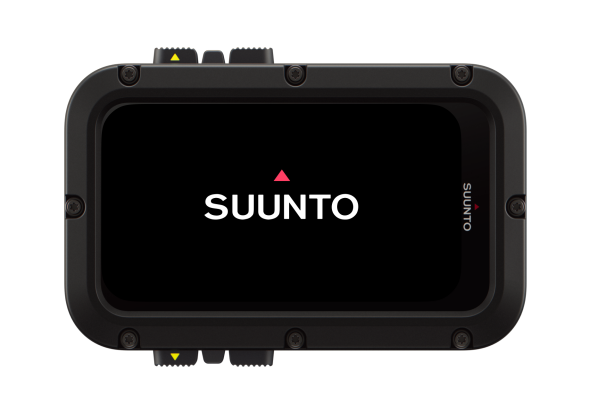
- Keep the up button pressed to wake up the device.
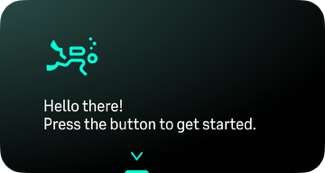
Press the OK button to begin the setup wizard.
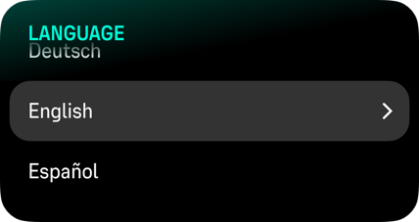
Scroll up or down and press the OK button to select your language.
Carefully read the warning that pops up, scroll down and confirm you understand it by pressing OK.
Follow the wizard to complete initial settings. Scroll up or down to select values. Press the OK button to accept a value and go to the next step.
When ready, the device goes to surface mode.
Only use the provided charging cable when charging your Suunto Nautic.