Suunto Nautic User Guide
User configurable dive alarms
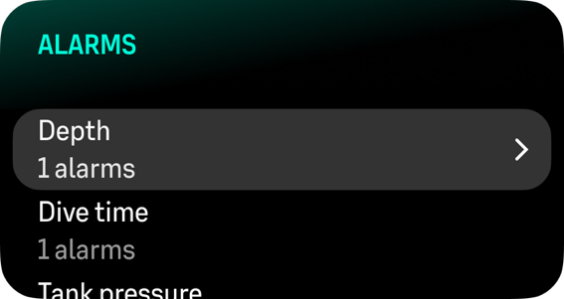
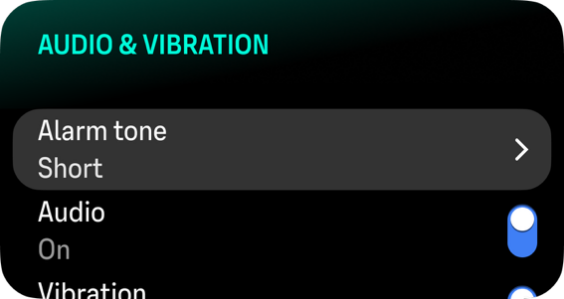
In addition to the mandatory alarms, there are additional user configurable tank pressure, depth, dive time, NDL, gas time and sidemount tank switch alarms. For each alarm, you can customize the audio tone to short or long or you can have all tones off. In addition to the audio option, you can also choose to have a vibration alert or if you prefer to have all tones silent, you can have only vibration on.
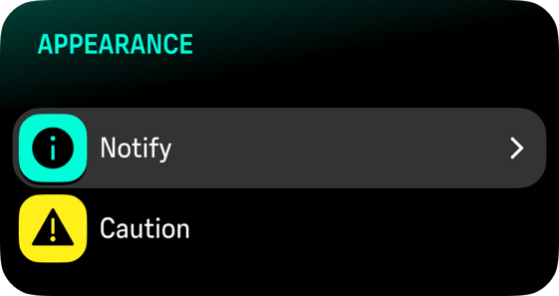
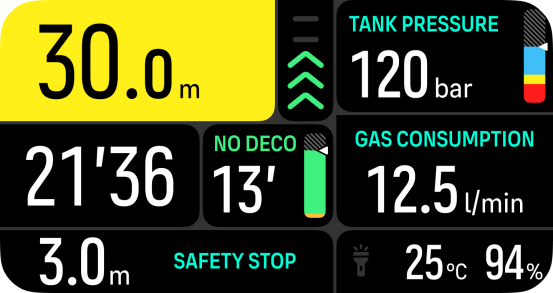
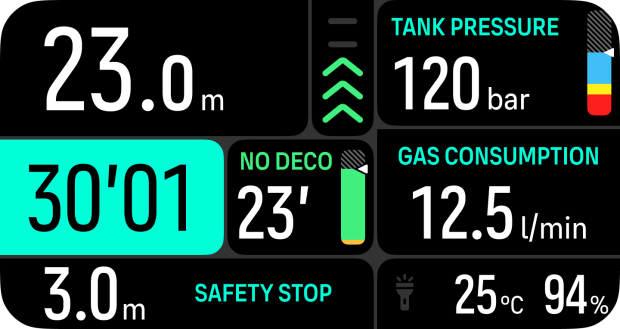
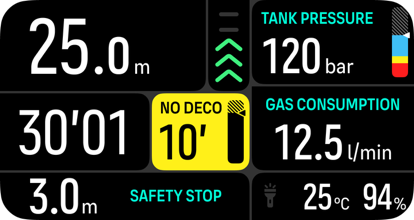
In addition to the audible and vibration options, you can choose between two different appearance options: Notify (cyan) or Caution (yellow). You can define a maximum of five alarms for each configurable alarm and once an alarm appears, you can clear it by pressing any button.
Tank pressure
You can set the tank pressure alarm to any value between 51–360 bar (725–5221 psi). A mandatory 50 bar (725 psi) alarm is present and it cannot be modified. Tank pressure alarms are useful to notify you when reaching your turn pressure.
Depth
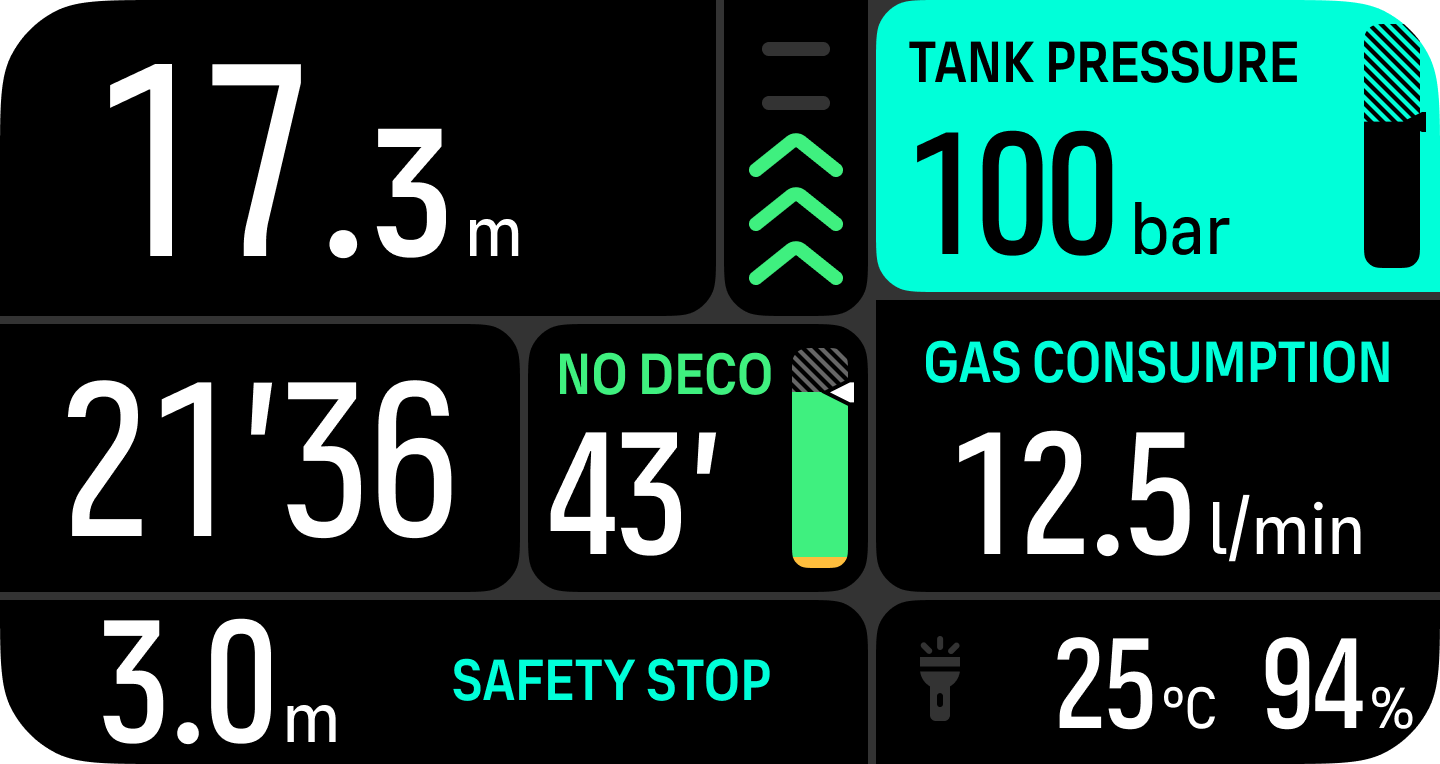
You can define a depth alarm between 3.0 m and 199.0 m. Depth alarms are convenient to have especially when freediving to notify you of different phases of the freedive. You can also set a depth alarm to notify you when reaching your personal depth limit during diving.
Dive time
Dive time alarms can be defined in minutes and seconds to a maximum of 99 min.
NDL
No decompression limit (NDL) alarms can be defined to alert you of a certain NDL or when you are low on NDL time.
Sidemount
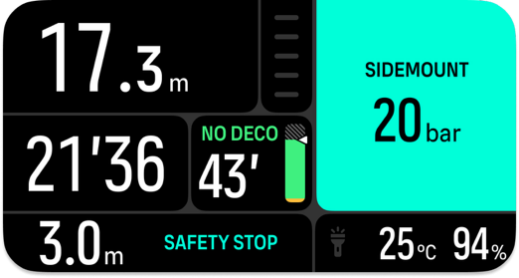
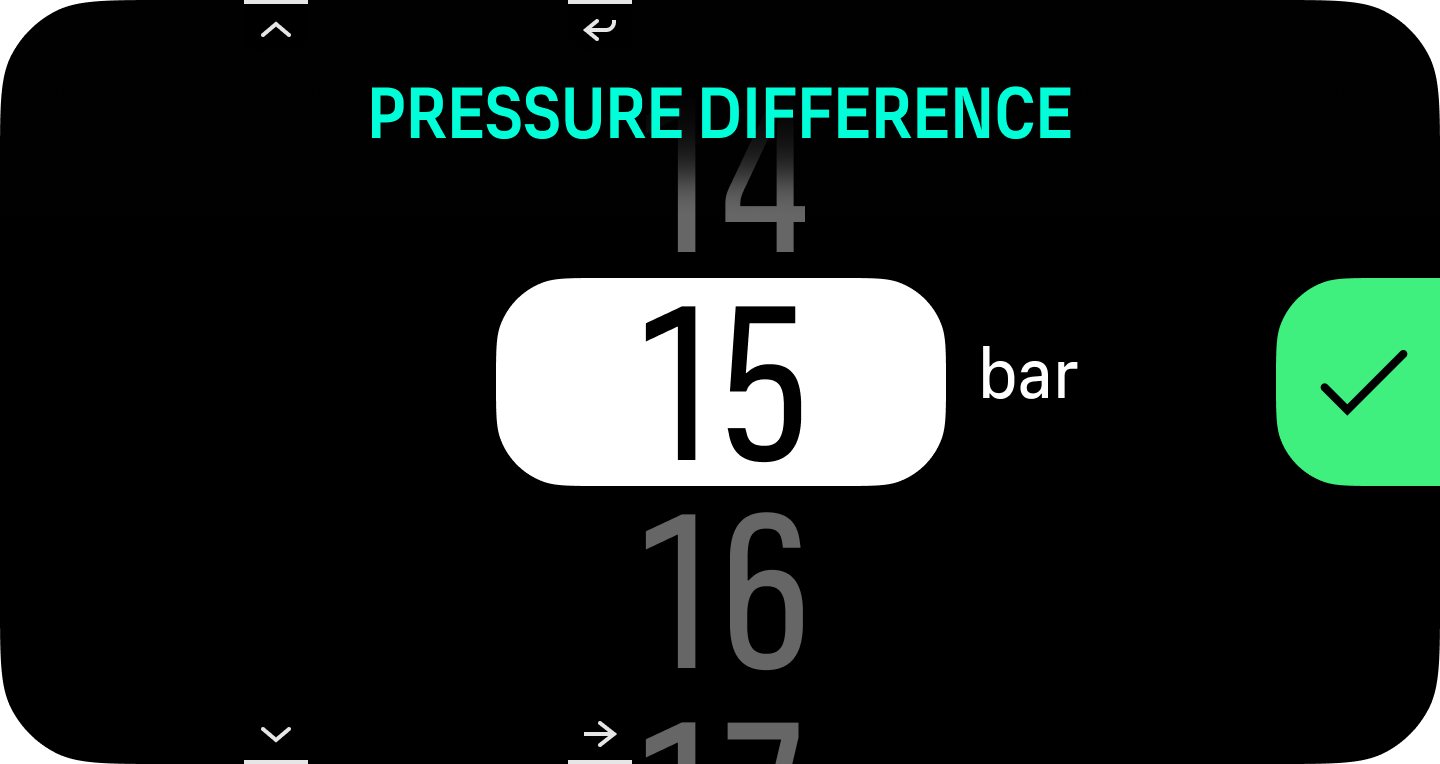
If you have 2 Tank PODs paired to the same gas, you can define a pressure difference so that the device alerts you when to switch tanks. You can set the pressure difference threshold between 5 and 70 bar (73-1015 psi). Once the pressure difference reaches the set limit, you get an alert in the switch window.
When either of the mute all settings is toggled on, the individual audio or vibration settings on the audio and vibration settings page of each alarm are disabled and overridden by the mute all setting. If you toggle off the mute all settings, the original individual settings are valid again.