Suunto Nautic User Guide
Gases
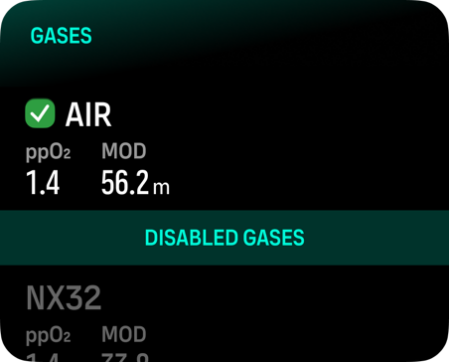
In both Single gas and Multigas modes, the default active gas is Air. In the Gases menu you can edit your active gas or create a new gas.

You cannot delete your active gas. If you want to change your active gas you need to either modify the existing gas or create a new gas and set the gas state to active. If you change the active gas, the previous gas will be disabled (Single gas mode) or enabled (Multigas mode).
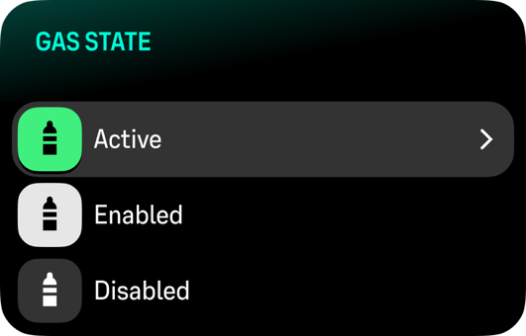
In Single gas mode, you can have only one active gas. When creating a new gas, you can choose to make it your active gas or save your most used gas mixture (e.g., NX32) for easy enabling once you need it.