Suunto Nautic 使用者指南
Table of Content
Table of Content
- 如何制定免減壓潛水計畫
如何制定免減壓潛水計畫
在開始計畫下一次潛水之前,請在 計畫程式 選單中完成以下設定:
規劃於潛水期間使用的當前使用氣體
演算法設定:保守程度和海拔設定
潛水計劃程式會顯示選定潛水模式下定義的當前使用氣體。您可以在 氣體 選單中修改氣體設定(請參閱 氣體)。
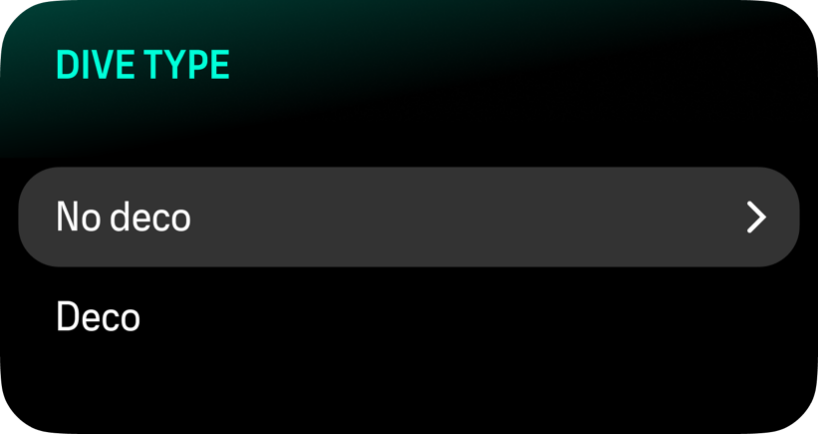
若要規劃免減壓潛水,請選擇 No deco。
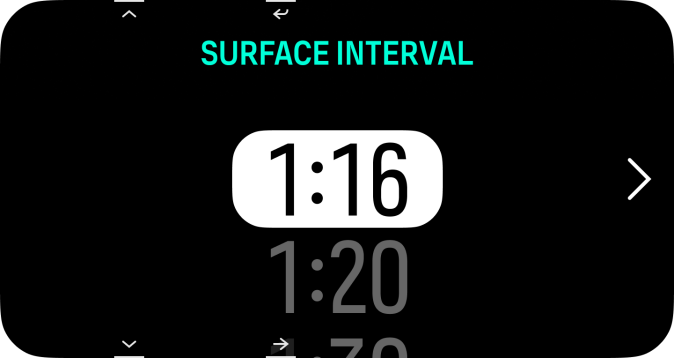
岸上間隔時間是從上一次潛水結束時自動計算出來的。使用上方和下方按鈕,以10分鐘為增量調整計劃的岸上間隔時間。上限為48小時。
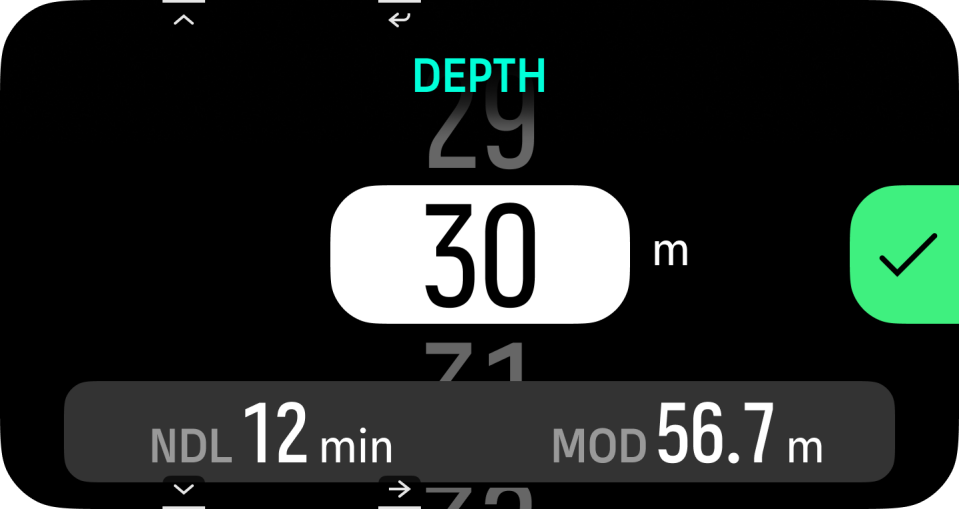
使用上和下按鈕調整計畫深度。您可以在螢幕底部看到該特定深度的 NDL 時間,以及目前氣體的 MOD。
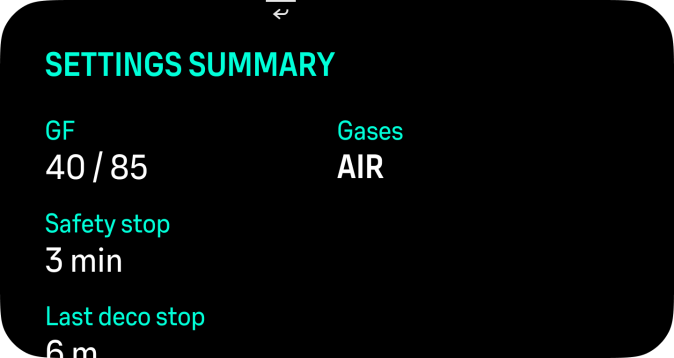
按下確定按鈕以檢視摘要,或按下返回按鈕來修改您的選擇。摘要同時會顯示接下來深或淺各 5 公尺的深度階梯及其對應的免減壓極限(NDL),以方便您進行潛水計畫。
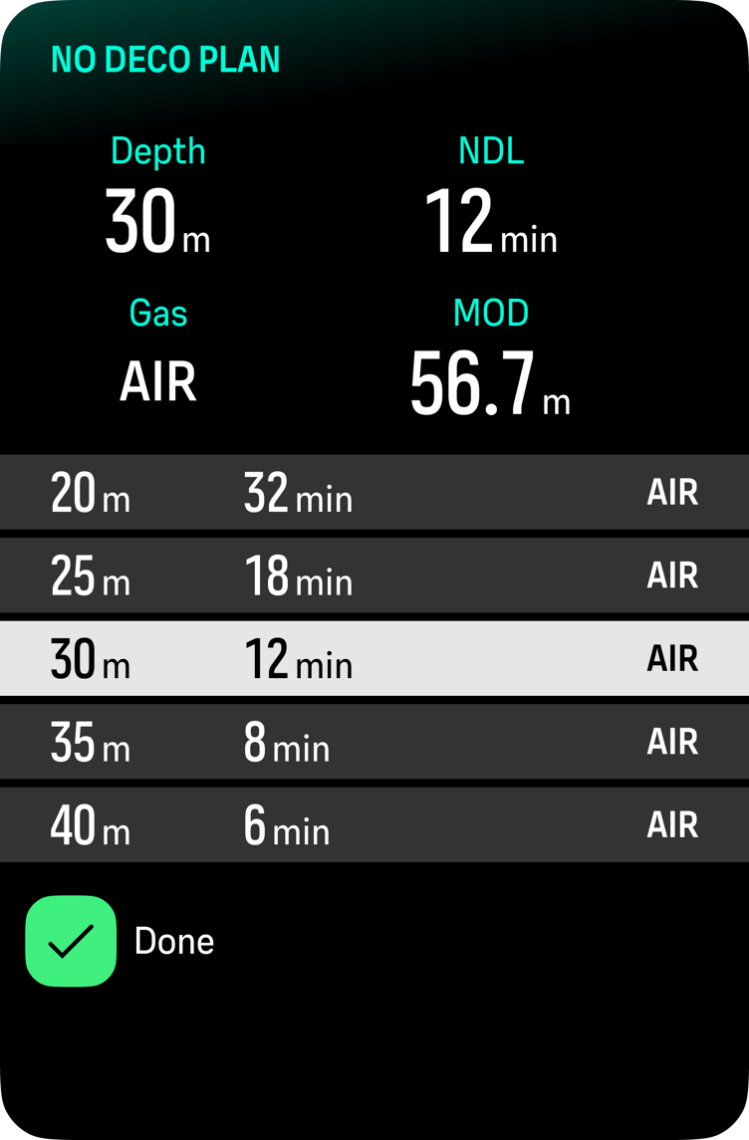
注释:
NDL規劃程式只能用於規劃無需減壓停留的潛水。