Suunto Nautic Gebruikershandleiding
Table of Content
Table of Content
- Knopfuncties
Knopfuncties
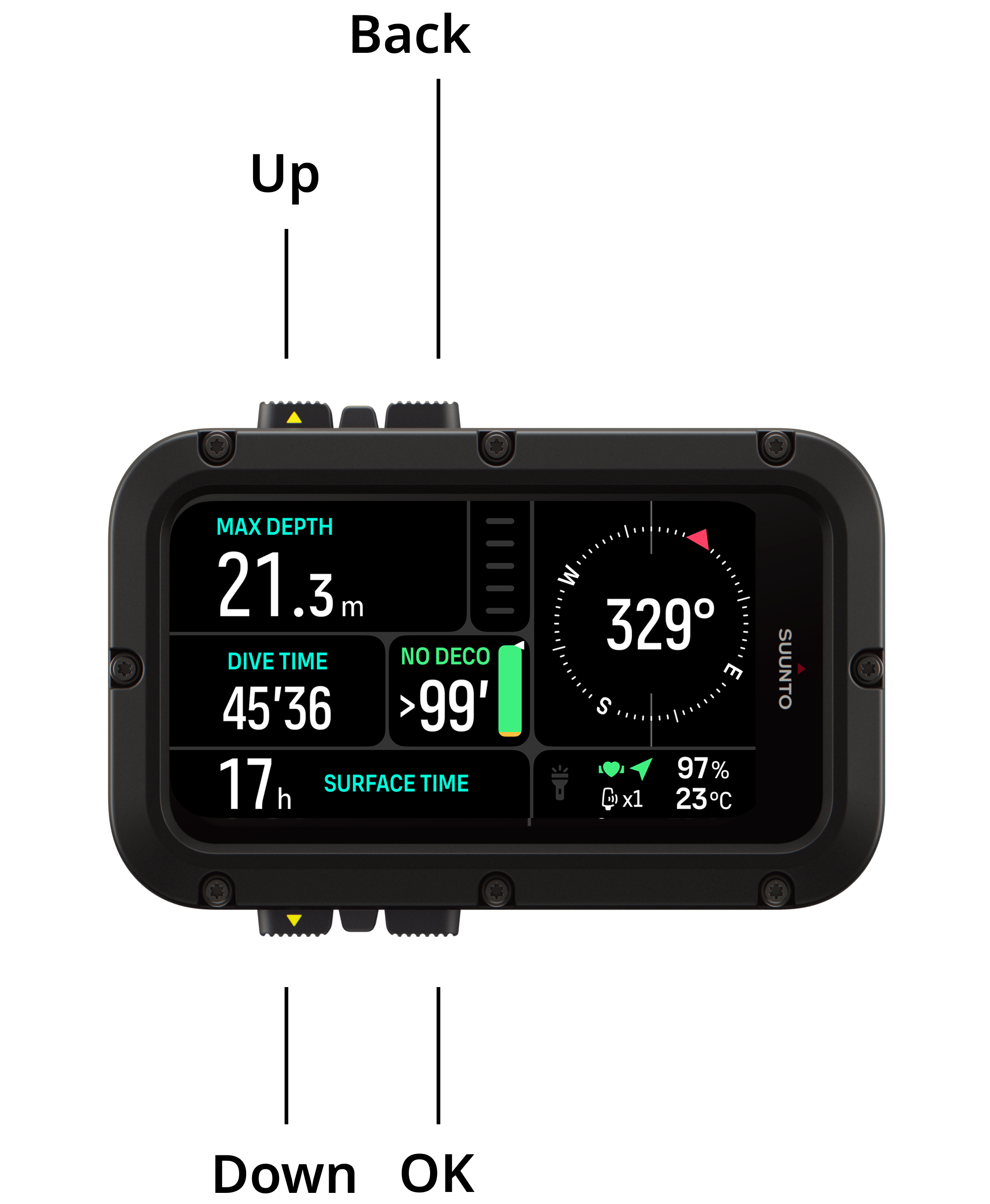
De Suunto Nautic heeft vier knoppen die je kunt gebruiken om door schermen en functies te navigeren. De functies verschillen afhankelijk van of je de knoppen lang of kort ingedrukt houdt. Aan het oppervlak en tijdens het duiken:
| Aan het oppervlak | Tijdens het duiken | ||
|---|---|---|---|
| Knop naar boven | Kort indrukken | Widgets openen | Helderheid aanpassen |
| Lang indrukken | Zaklamp uitschakelen | ||
| Knop omlaag | Kort indrukken | Duikinstellingen openen | Duikmenu openen |
| Lang indrukken | Knopvergrendeling | ||
| Terugknop | Kort indrukken | Terug | / |
| Koers instellen (indien kompas in schakelvenster); Stopwatch starten en stoppen (indien stopwatch in schakelvenster) | |||
| Lang indrukken | Koers wissen (indien kompas in schakelvenster); Stopwatch resetten (indien stopwatch in schakelvenster) | ||
| OK-knop | Kort indrukken | item schakelvenster wisselen | |