Suunto 5 User guide
Table of Content
Table of Content
- Power saving
Power saving
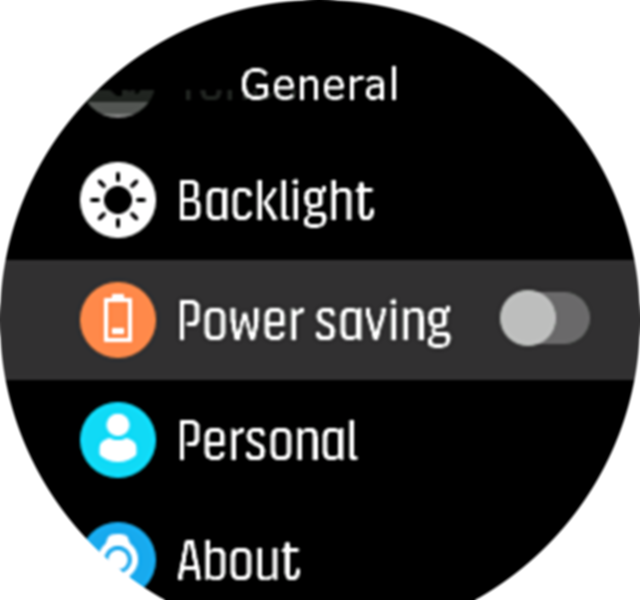
Your watch includes a power saving option that turns off all vibration, daily HR and Bluetooth notifications to extend battery life during normal daily use. For power saving options while recording activities, see Battery power management.
Enable/disable power saving from the settings under General » Power saving.
NOTE:
Power saving is automatically enabled when the battery level reaches 10%.