Suunto Nautic S User Guide
目录
目录
- Button and screen lock
Button and screen lock
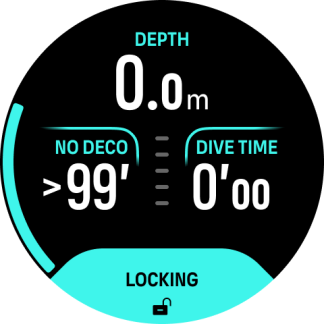
While diving, you can lock the buttons by keeping the lower button pressed. Once locked, you cannot perform any action that requires button interaction. You can also lock buttons before diving from Control panel » Button lock.
NOTE:
You can use the buttons to acknowledge alarms and gas switch even when they are locked, but you cannot change the display view and the switch window content.
To unlock everything, keep the lower button pressed again and toggle Button lock off.