Suunto Nautic S User Guide
Timer
Your watch includes a stopwatch and countdown timer for basic time measurement. From the watch face, swipe up or press the lower button until you reach the timer widget.
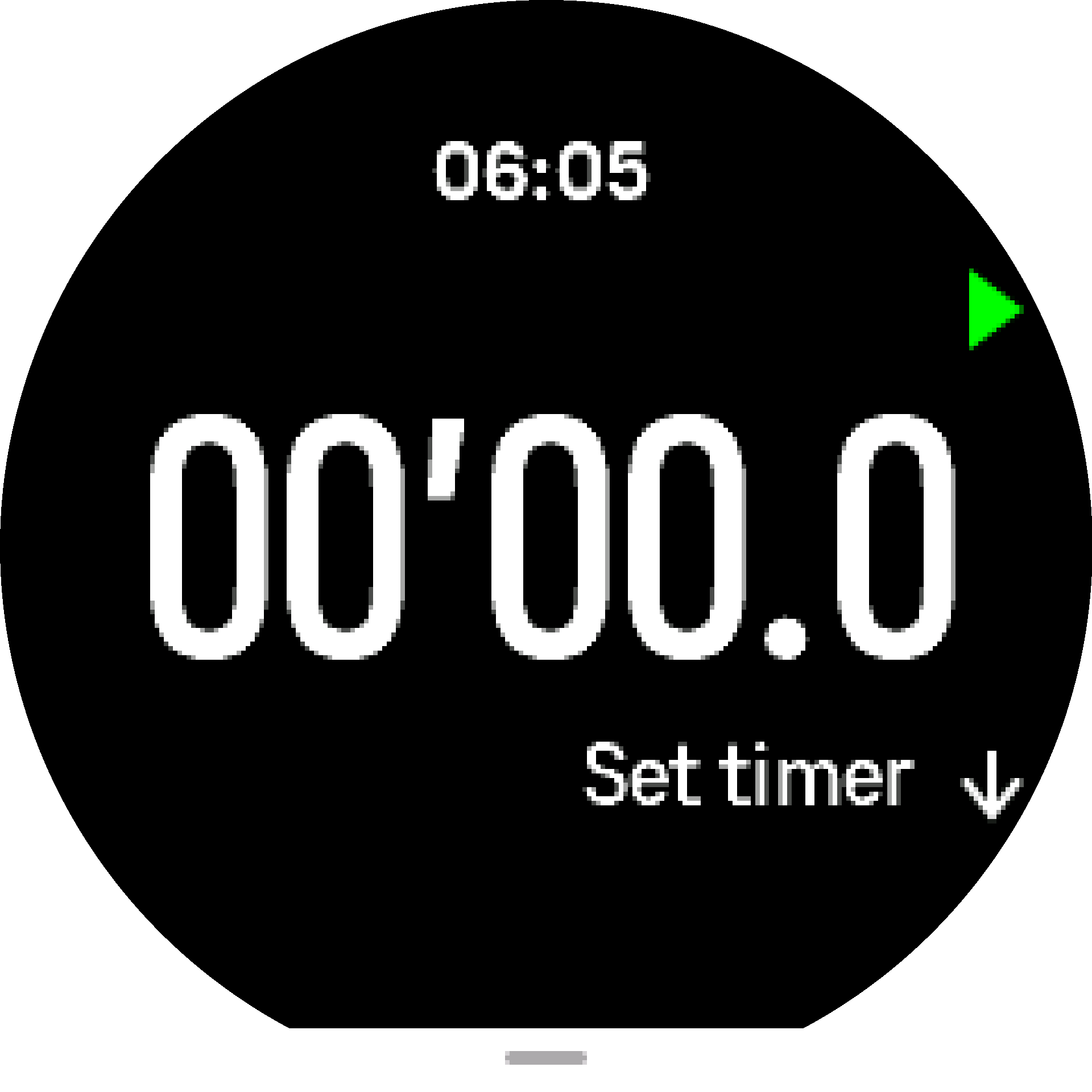
When you first enter the widget, it shows the stopwatch. After that, it remembers whatever you used last, stopwatch or countdown timer.
Swipe up or press the lower button to open the Set timer shortcuts menu where you can change the timer settings.
In the timer widget, swipe up or press the lower button to open the shortcuts menu. From there you can select a pre-defined countdown time or create custom countdown time.
Stop and reset as needed with the upper and lower buttons. Exit the timer by swiping right or by pressing the middle button.
Stopwatch
Start and stop the stopwatch by pressing the upper button. You can resume by pressing the upper button again. Reset by pressing the lower button.
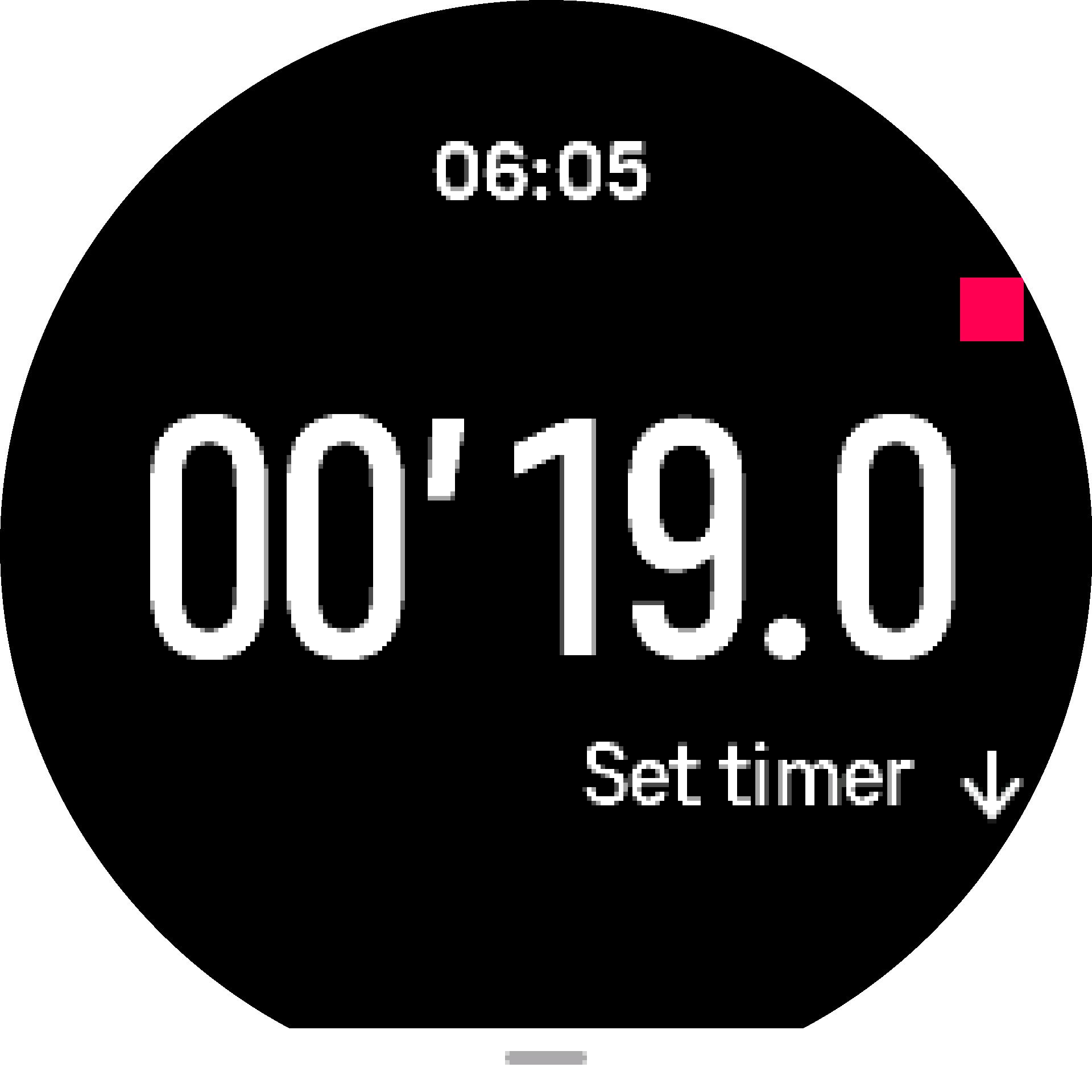
Exit the timer by swiping right or use the middle button.