Suunto Nautic S User Guide
Weather
From the watch face view, swipe up or press the lower button to scroll to the weather widget.
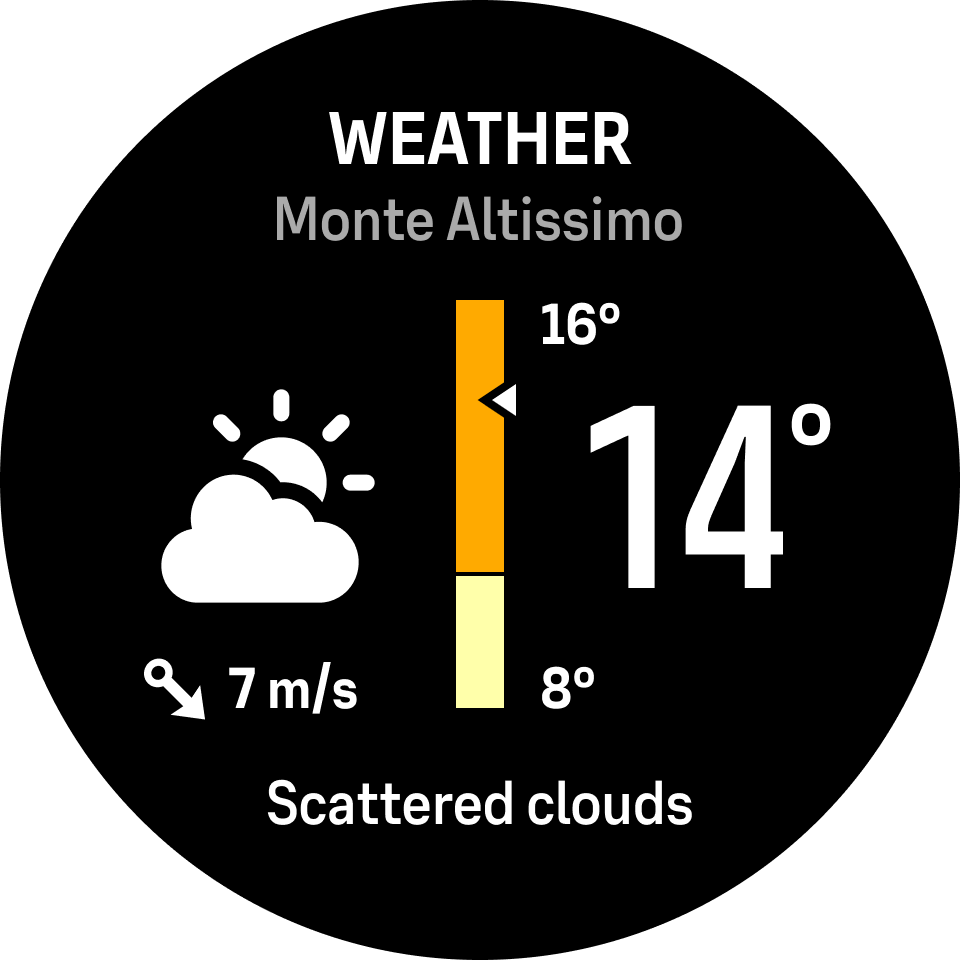
The weather widget provides you with information of the current weather. It shows the current temperature, wind speed and direction and current weather type both as text and icon. Weather types can be, for example, sunny, cloudy, rainy etc.
Swipe up or press the lower button to see more detailed weather data such as humidity, air quality and forecast data.
Make sure that you sync your watch with Suunto app regularly to get the most accurate weather data.