Suunto Nautic Gabay sa User
Table of Content
Table of Content
- Orientation ng pagsuot
Orientation ng pagsuot
Maaari mong baliktarin ang display ng device para ilagay sa kaliwa o sa kanan ng dive computer ang mga button para padaliin ang pagsuot sa alinmang braso. Baguhin ang orientation ng button sa ilalim ng Device settings > Wear orientation.
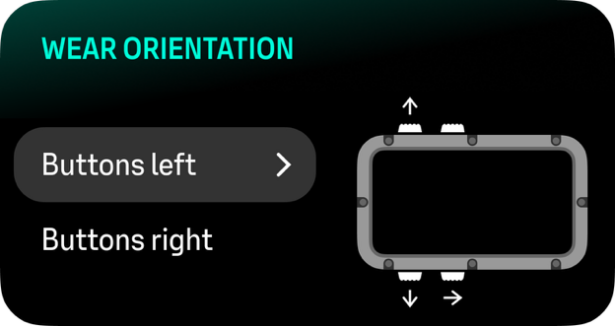
Piliin ang Buttons left kung isinusuot mo ang dive computer sa iyong kanang braso at Buttons right kung isinusuot mo ito sa iyong kaliwang braso.
Ang default na orientation ng pagsuot ay Buttons left.