Suunto Nautic S User Guide
Table of Content
Table of Content
- Customization
Customization
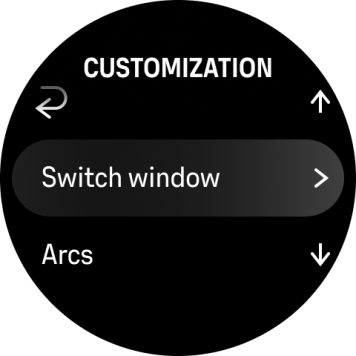
You can customize the information shown in the switch window and on the arches under Dive options > Customization
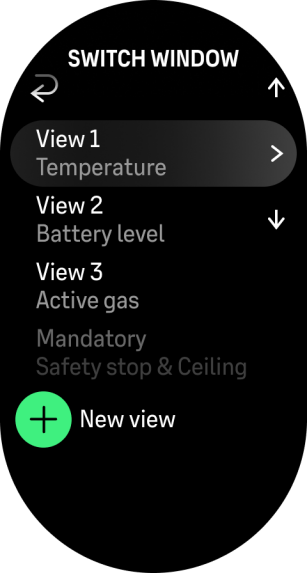
The switch window list shows the data currently assigned to the switch window. Select a view to edit it. The “add new view” option is available at the bottom (unless the maximum of 10 views is reached).
NOTE:
You need to have a at least one item on the list.
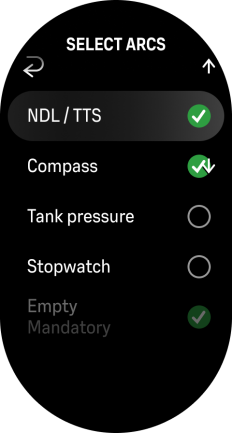
User can toggle any of the arcs on/off. There is always an empty arc included.