Suunto Nautic S User Guide
Compass
Suunto Nautic S has a gyro-assisted compass that allows you to orient yourself in relation to magnetic north. The tilt-compensated compass gives you accurate readings even if the compass is not horizontally level.
You can access the compass by swiping up from the watch face or by pressing the lower button.
The compass widget includes the following information:
- Arrow pointing to magnetic north
- Heading cardinal
- Heading in degrees
- Altitude
- Barometric pressure
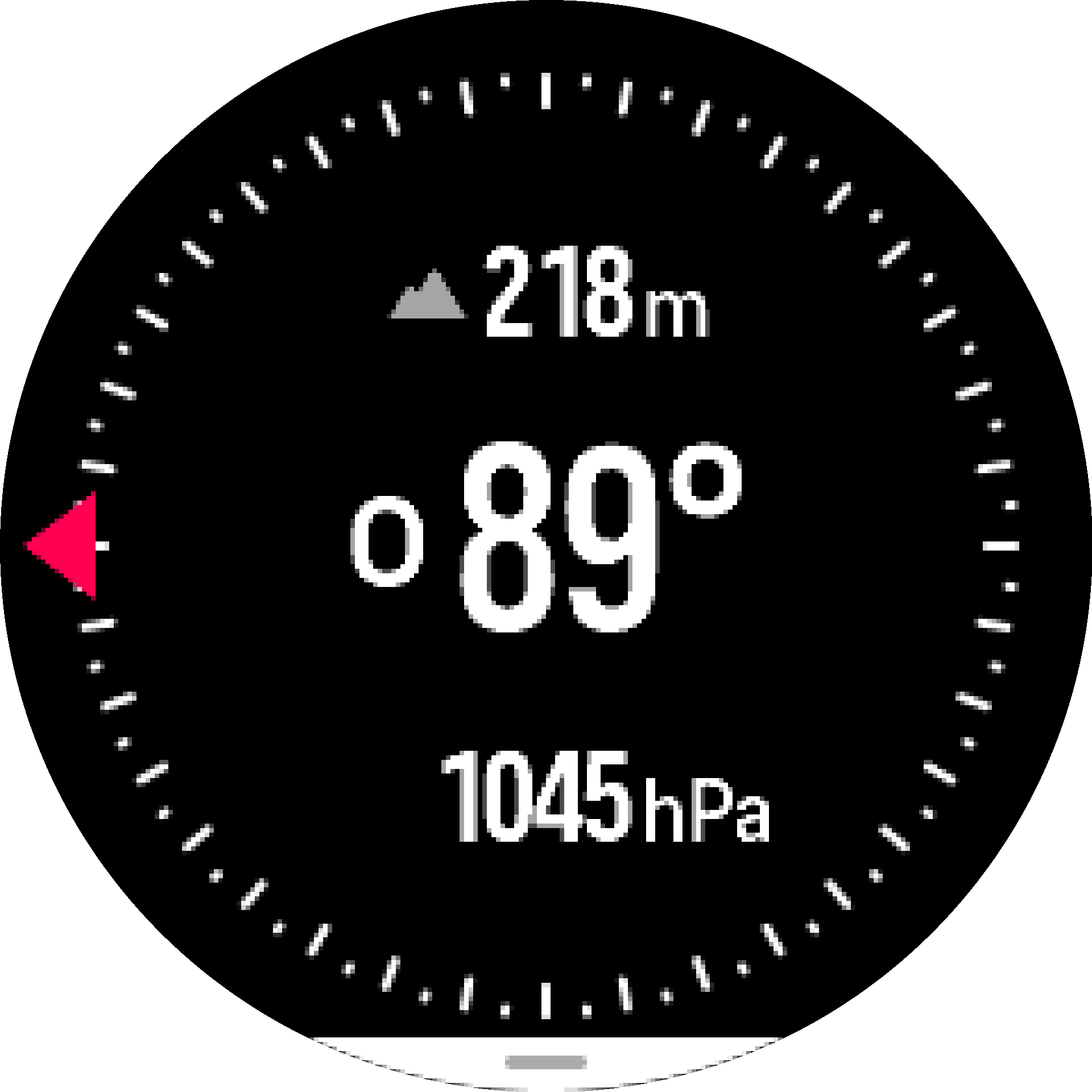
To exit the compass widget, swipe right or use the middle button.
While you are in the compass widget, you can swipe up from the bottom of the screen or press the lower button to open a list of shortcuts. The shortcuts give you quick access to navigation actions such as checking the coordinates of your current location or selecting a route to navigate.
Swipe down or press the upper button to exit the list of shortcuts.
Calibrating compass
If the compass is not calibrated, you are prompted to calibrate the compass when you enter the compass widget.
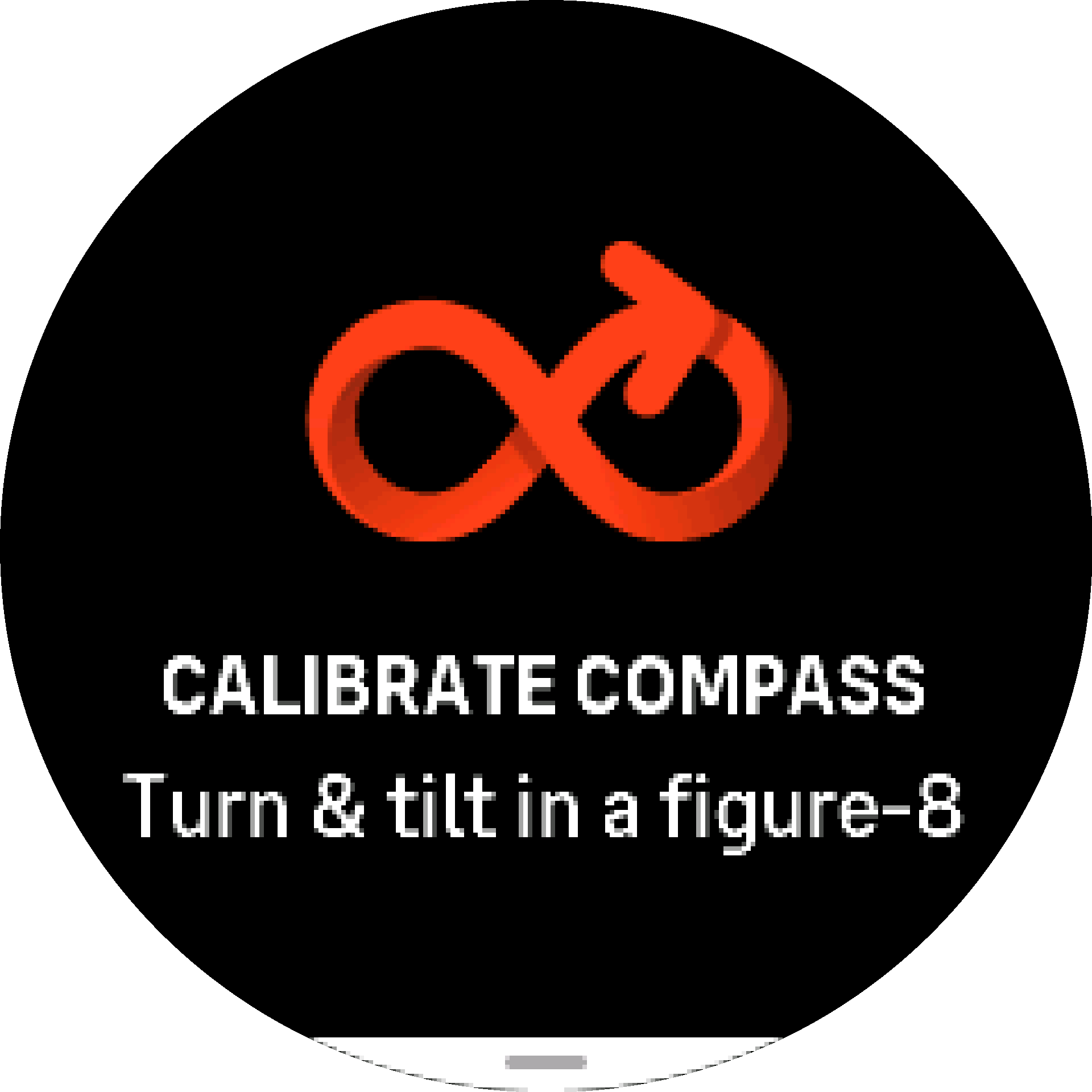
The compass calibrates itself when in use, but if the watch has been affected by strong magnetic fields or a hard knock, the compass might show the wrong direction. Do a new calibration to resolve this issue.